Home Page
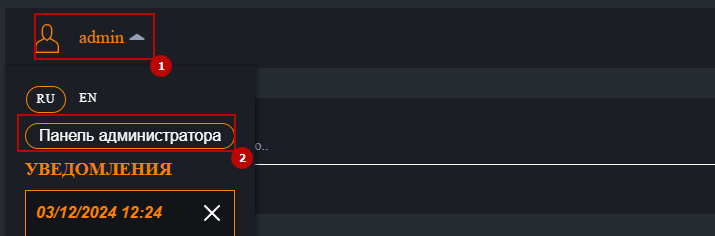
You can access the admin panel by opening a modal window with a click on your username. Here, you will also find the panel for changing the language and managing notifications.
The filter can be accessed by clicking on the date. Apply the settings by clicking the “Save” button.
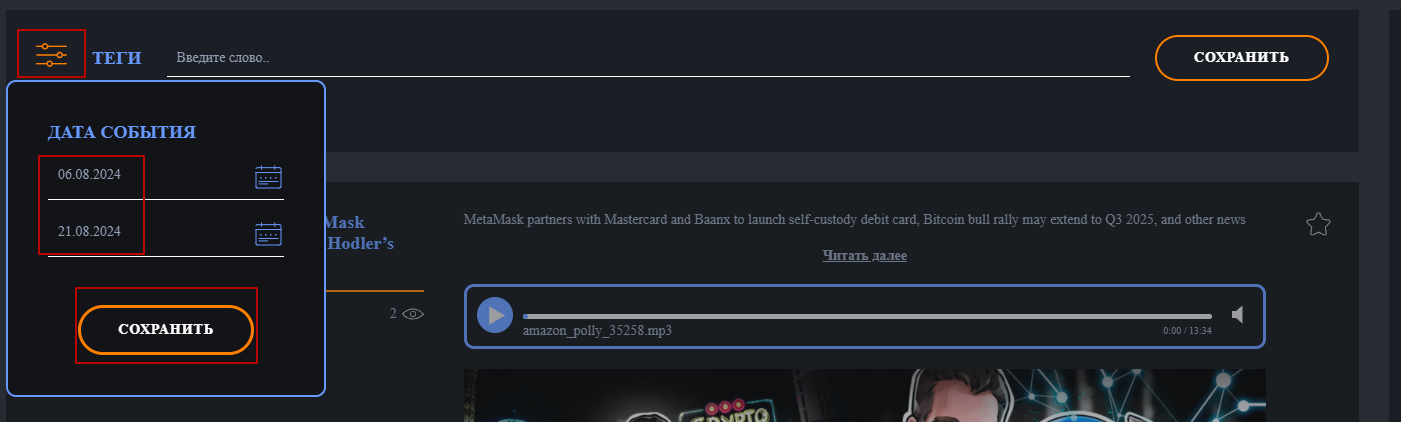
You can clear the applied filter:

For tag-based search, enter the tag name and click “Save.”

Multiple tags can be added, and they can also be removed.

You can combine filters by date and tags.

-
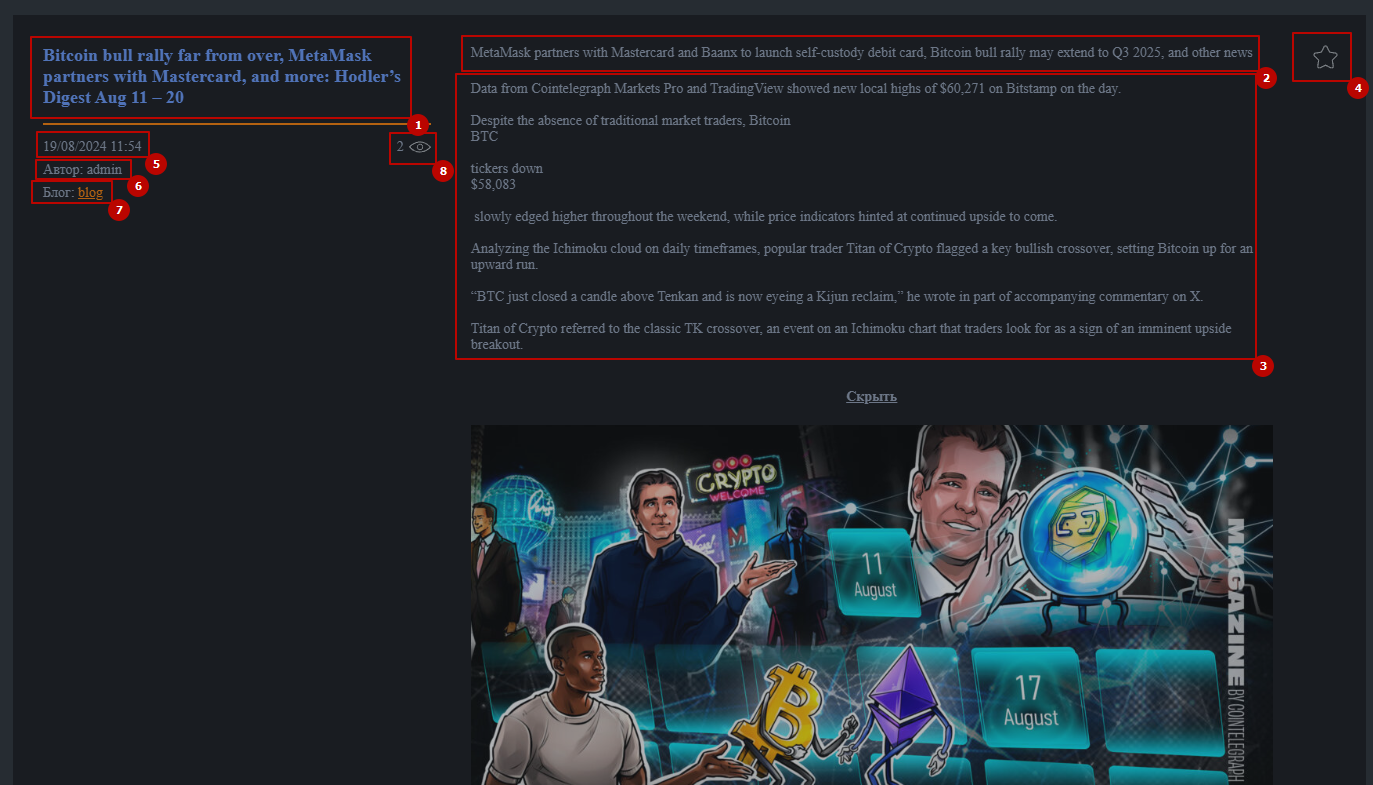
Post Feed
- Post title
- Post subtitle
- Text content of the post
- Button to add the post to your favorites
- Post publication date
- Post author's nickname
- Blog affiliation: Clicking the link will take you to the specified blog.
- Number of views
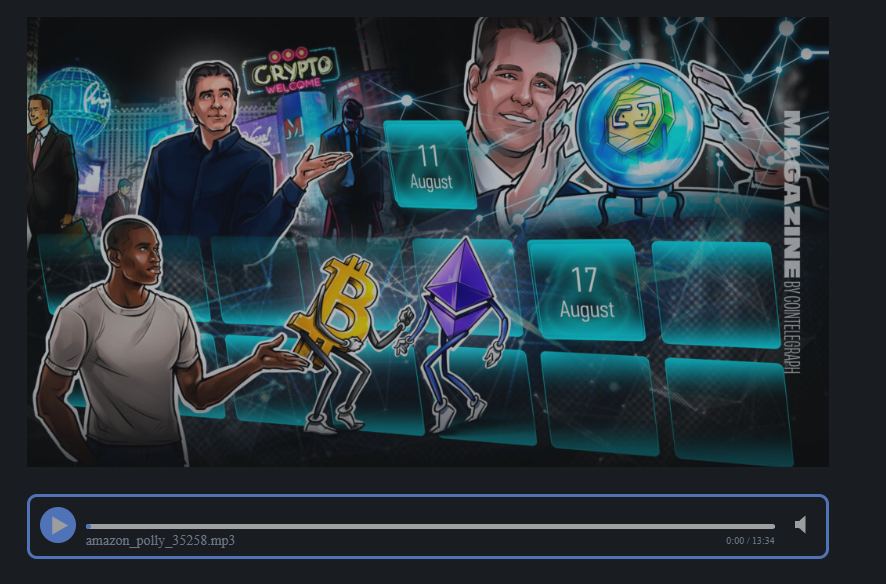
Currently, a post can include: a photo, video, audio files, or a link to an external resource.
Clicking on a tag in a post immediately adds it to the filter.
