"Disk" Page
You can access the "Disk" tab here:

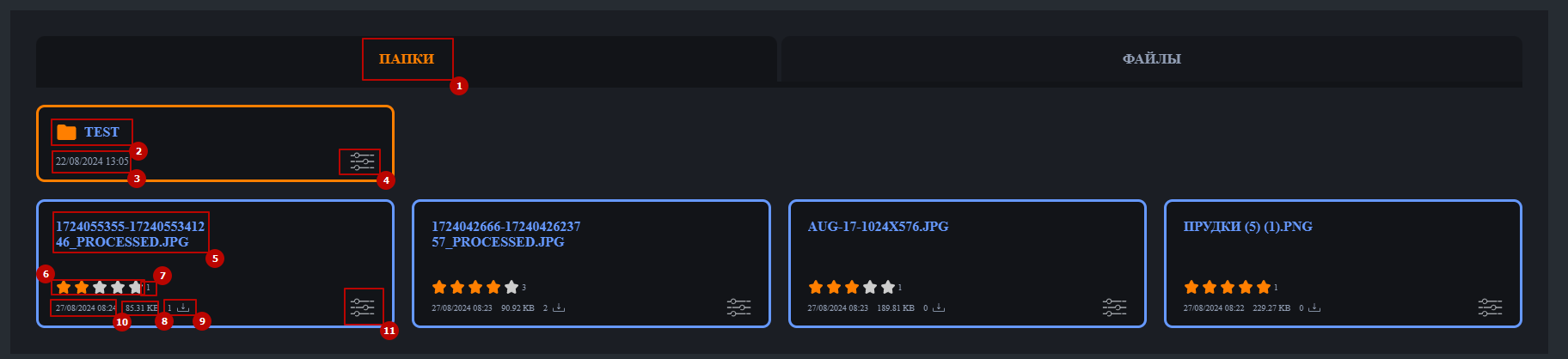
- Folders Tab: Displays files organized into separate folders defined in the administrative section. In contrast, the "Files" tab shows all files on the disk, regardless of their folder.
- Folder Name
- Creation Date
- Functional Menu: Allows you to open the folder (or double-click on it) and copy the folder link.
- File Name
- File Rating System: Displays the average rating from all user ratings. If there are no ratings, 0 stars are shown. You can rate the file by clicking on a star and change your rating by selecting another star.
- Number of Unique Ratings
- File Size
- Number of Downloads
- Publication Date
- Functional Menu: Allows you to download the file or copy its link.
Search by Date works similarly to the feed search, filtering files by upload date:
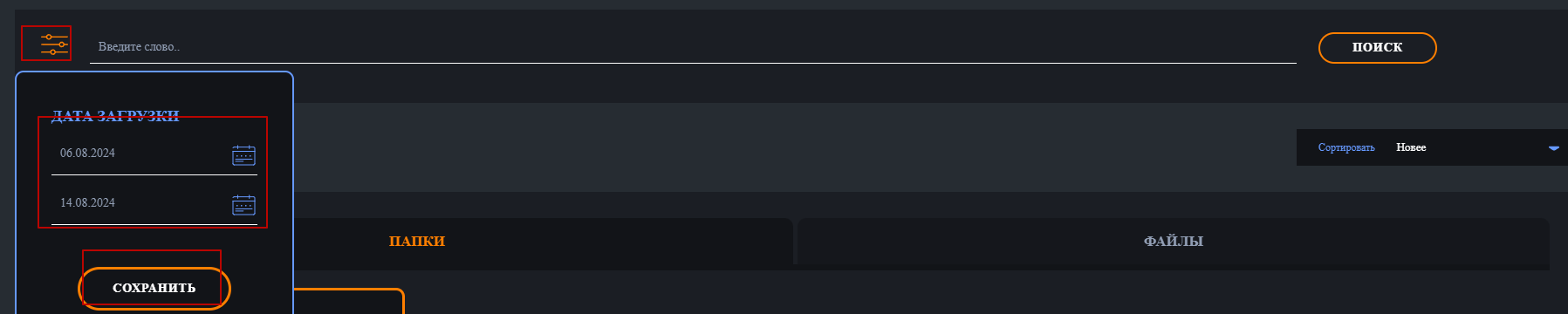
Word Filter searches for matches in file or folder names (when in the "Folders" tab):

Or among all files on the disk when the "Files" tab is selected:

The search is limited to a single query, unlike the feed search.
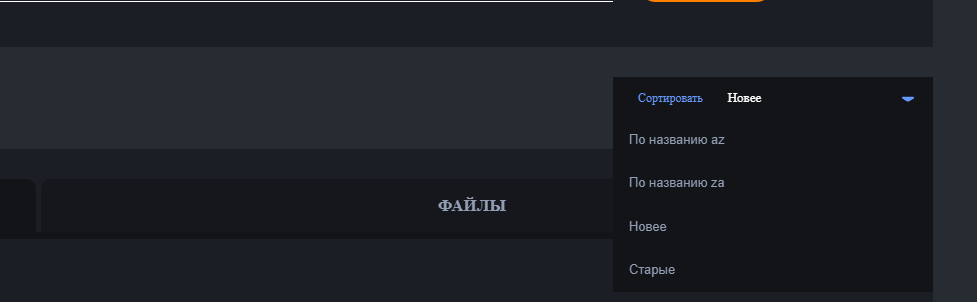
You can sort files by name or creation date: